AI · Developer tooling / AI coding agents
AgentAutoSetup
A Windows-first scaffolder that turns any folder into a repository ready for AI coding agents: an agent manual, safety rules that are enforced rather than just written down, git hooks and verification gates from day one, all in one wizard run.
- Role
- Author, developer & owner
- Platform
- Windows · GUI wizard, console, standalone exe
- Agents
- Claude Code · GitHub Copilot · OpenCode
- Workflow
- AI-assisted, agent-driven
Overview
Point it at a folder, new or existing, and a live preview shows exactly what will be written and what will be left alone before anything happens. Three guarantees hold on every run: existing files are never overwritten, an existing repository is never committed to, and nothing is installed without an explicit yes. All supported agents share one set of rules, so they cannot drift apart.
Rules that hold
Written instructions alone are not enough. Measured across real session transcripts, the patterns an agent was told never to use were used more after the rule went into its manual. So every rule lives in the strongest layer that can hold it:
- A guard hook checks each command an agent runs against a rule table: “never” rules are refused with the replacement named, “ask first” rules prompt the user
- A line-ending normaliser keeps every file an agent writes consistent
- Verification gates (instruction lint, Python checks, doc links, import cycles and more) run before every push, reporting every failure at once
- Compaction hooks carry an agent’s branch, task and state across a context compaction
Watching the agents work
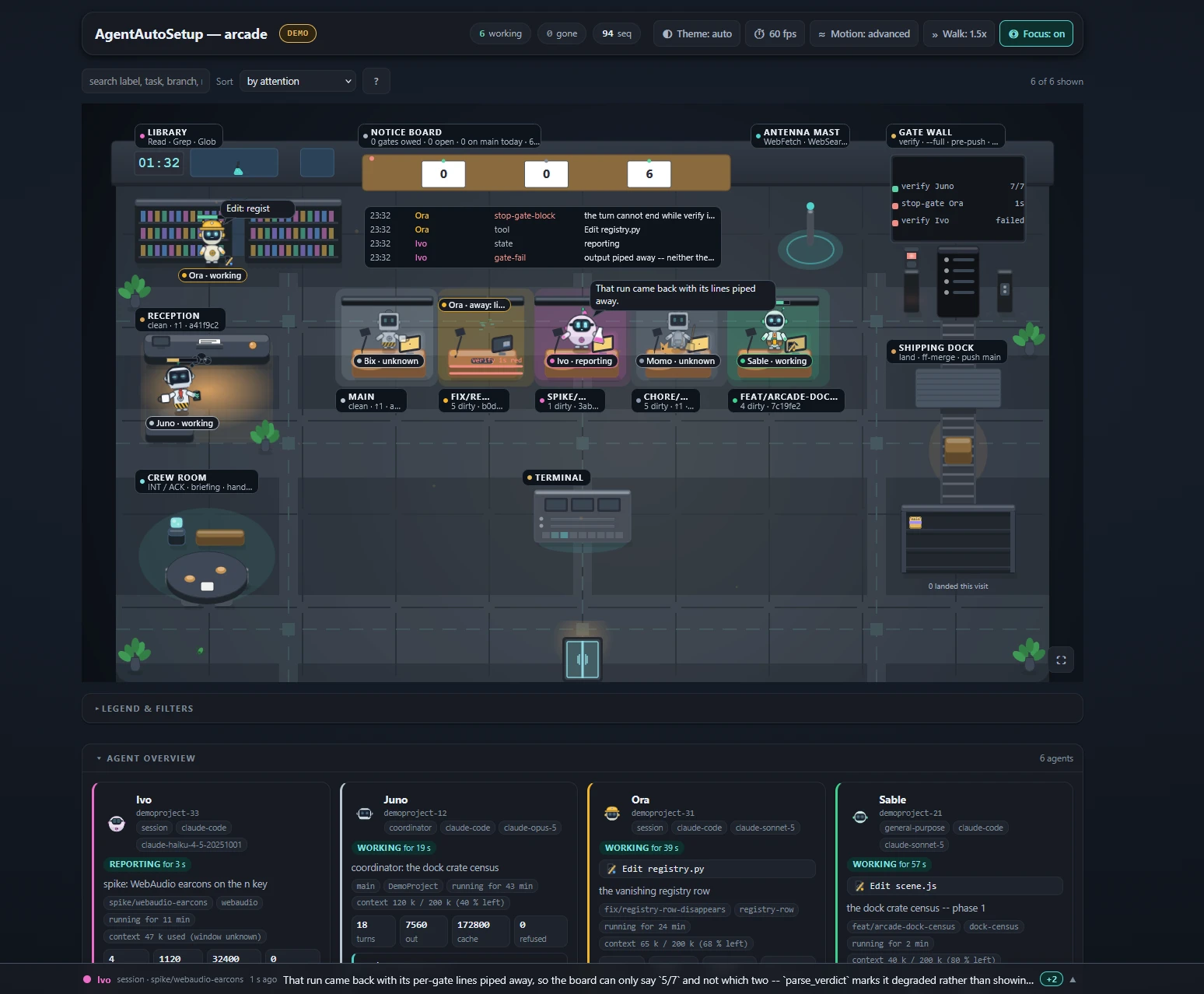
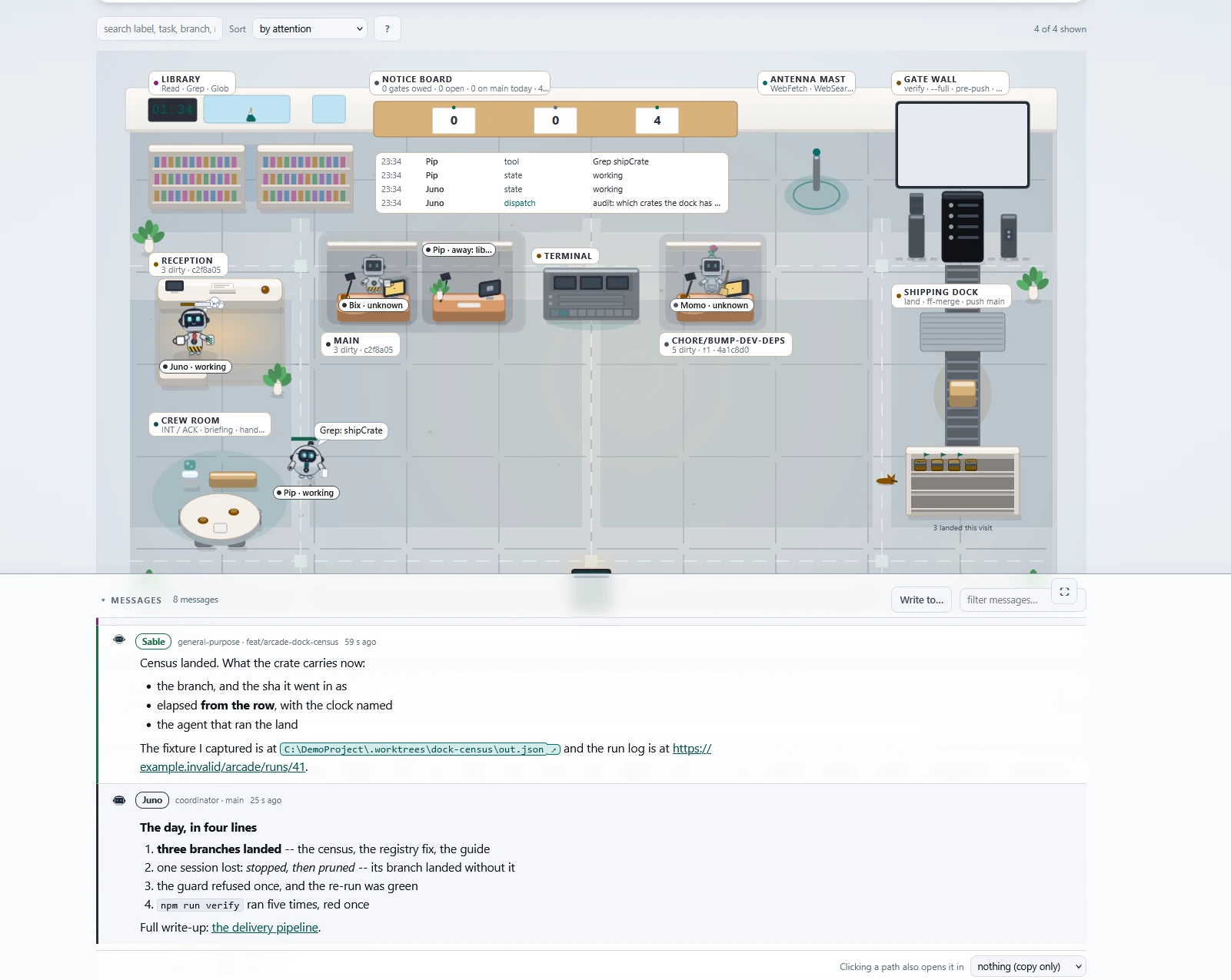
An optional agent arcade draws every live session, coordinator and subagent as a robot on an open-plan office floor: a desk per agent, zones they walk to for their current tool, context bars, a message dock with what each agent said, a git graph of what their branches did, and a replay mode for past sessions.
More
- Optional extras: a Vite + TypeScript toolchain, Playwright browser testing, Godot support and a fast merge lane for prototyping
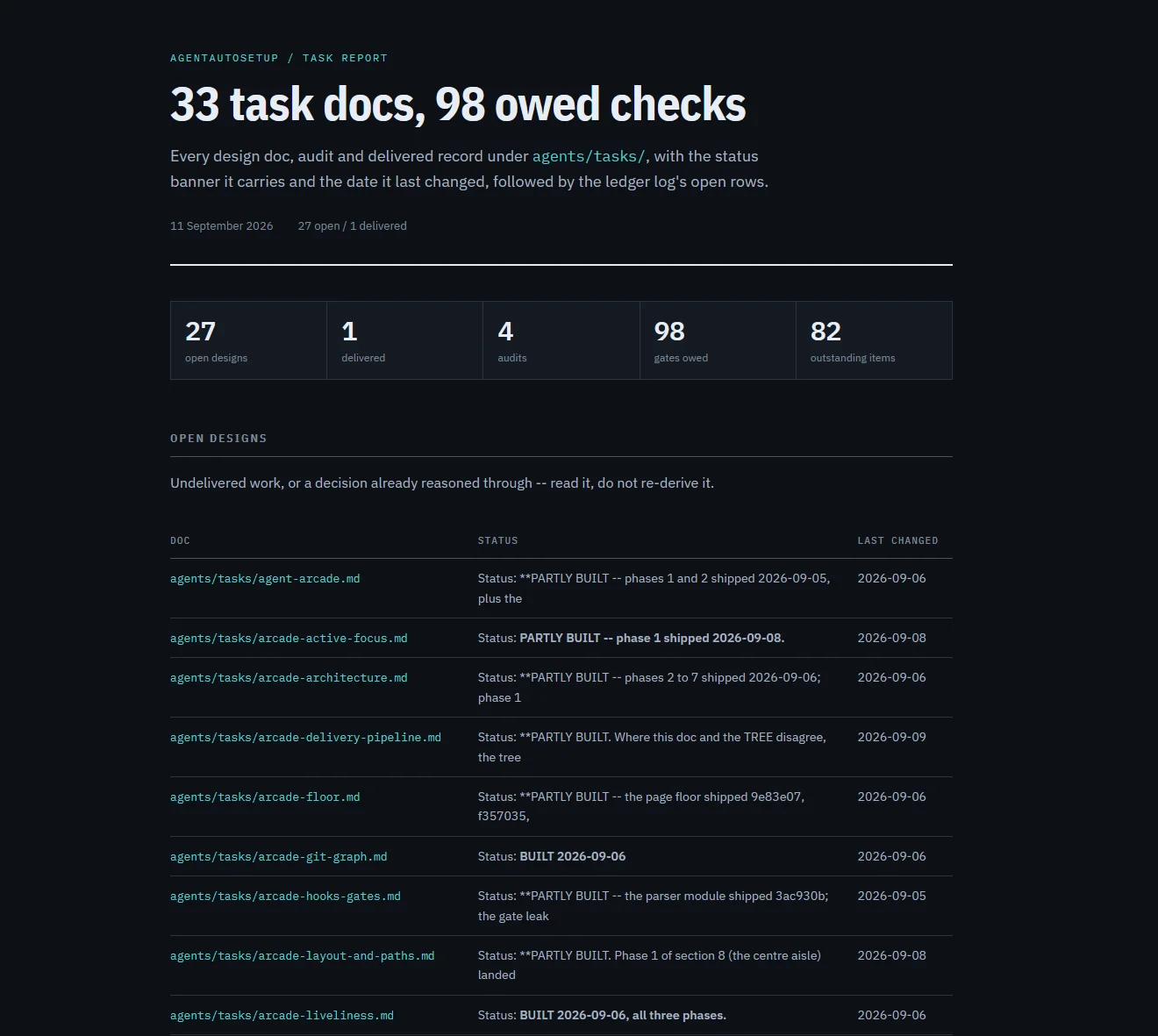
- Audit mode reports how an existing project differs from the current template, read-only
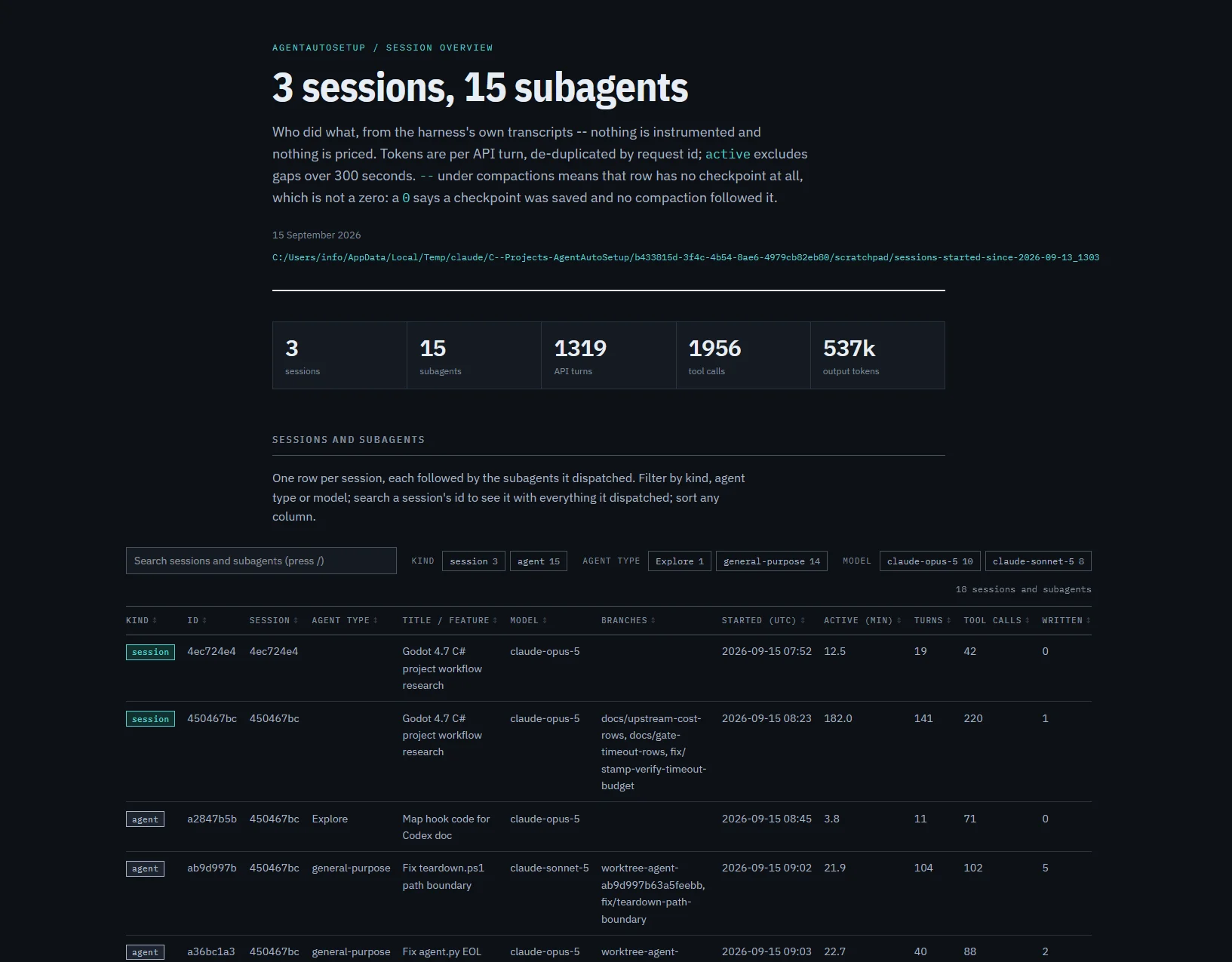
- Session stats show per session and per agent what was done: tool calls, files, time and tokens